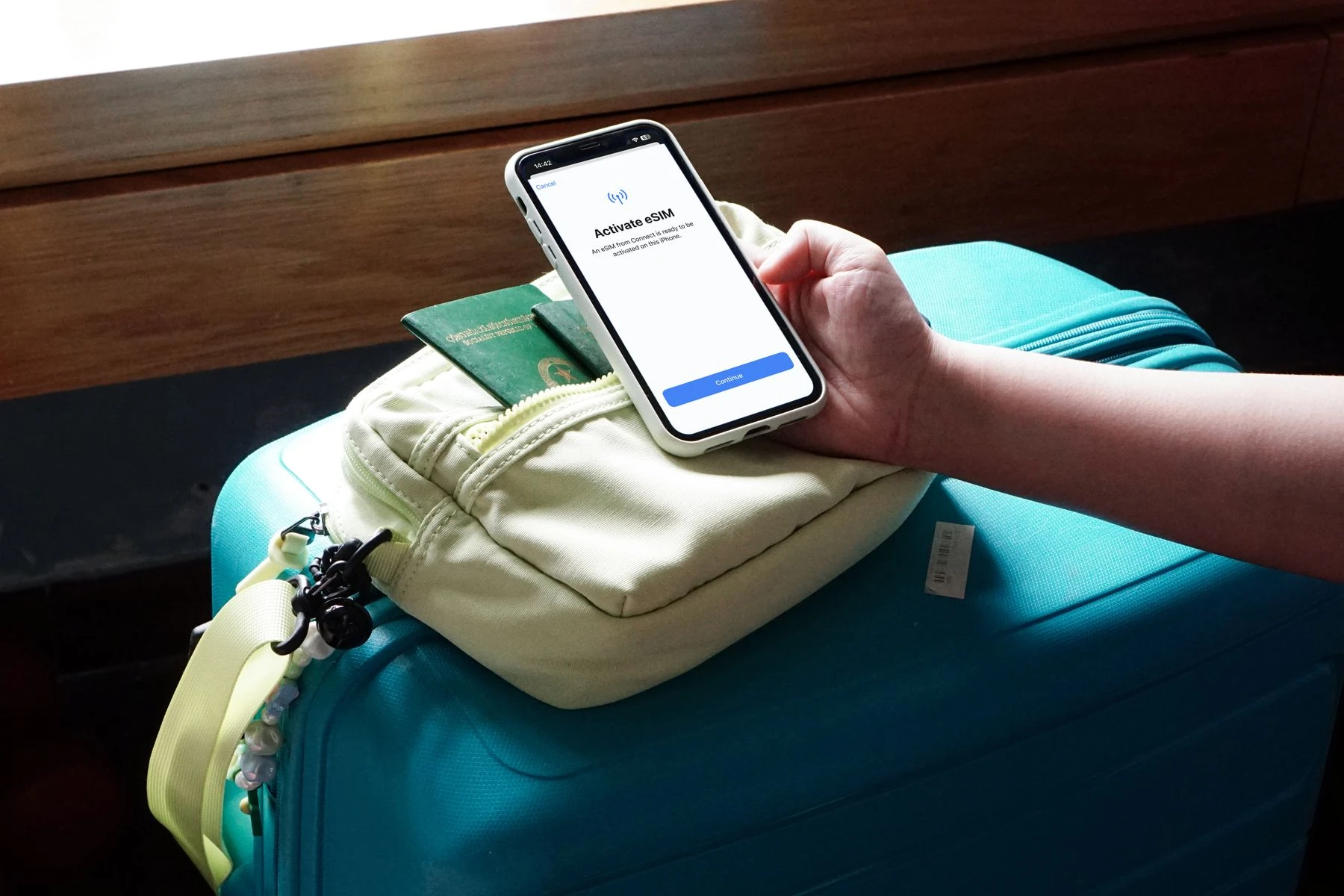
Can A QR Code Steal eSIM?
A QR code for an eSIM usually contains data that helps your phone download an activation profile from your carrier. The QR code itself does not “transfer” your phone number by magic. Your carrier’s systems still need to authenticate the request, and your phone still needs to complete the install and activation steps.
In most common setups, the QR code is a one-time or time-limited token tied to your carrier account and the eSIM order. If someone scans it, they still face carrier-side checks such as matching the token to an order, validating identity, and enforcing activation rules. That said, QR codes can be part of a larger attack chain, especially when the attacker also targets your carrier account or tricks you into approving actions on your device.
Practical example: you receive an eSIM QR code by email before travel. If you share a screenshot publicly, the attacker may attempt to use it, but the carrier may reject the activation if the token is expired or already used. The risk becomes higher when the attacker also has access to your carrier login, because then they can request changes that look legitimate to the carrier.
Where People Get Misled
People often assume the QR code is the whole security boundary. It is more like a delivery mechanism for activation data. The security boundary sits in the carrier’s authentication and the phone’s installation flow.
Another misconception is that scanning alone equals theft. Many carriers require a confirmation step on the phone, and the phone’s operating system prompts for installation and activation. On iOS, for example, the eSIM install process is tied to your device and requires user interaction. On Android, the exact flow varies by manufacturer and Android version, but the phone still needs to accept the profile and complete activation.
Real dependencies include the carrier’s eSIM provisioning system, your carrier account security, and the phone’s OS-level confirmation prompts. If your carrier account is compromised, an attacker can request an eSIM change even without your QR code. If your email account is compromised, the attacker can obtain the QR code and attempt activation while it is still valid.
Some QR codes are delivered as part of a “download” flow, while others are tied to a specific order. A QR code that works for one carrier order may not work for another, and a token can be invalidated after use. That behavior depends on the carrier and the eSIM product type, so you cannot treat every QR code the same way.
What To Do For Safer Setup
Verify The QR Code Source
Use the QR code only from the carrier or a trusted reseller portal tied to your order. If you received it by email, check the sender domain and the message headers if your email client shows them. I once saw a “carrier” email land in a folder labeled “Promotions” with a lookalike domain, and the QR code link led to a generic page instead of the carrier’s activation flow.
Before scanning, confirm the QR code matches the carrier name and the plan details shown in your order confirmation. If the QR code arrives without an order you recognize, treat it as suspicious and contact the carrier using a phone number from the carrier’s official website.
Limit Exposure Before Scanning
Do not post screenshots of QR codes in chats or social media. A QR code can be copied, and attackers do not need physical access to your device. If you must store it, keep it in a private password manager entry or a secure notes app with a lock screen requirement.
Scan the code on the phone that will use the eSIM. If you scan it on another device, you may still end up with a failed install, but you also increase the chance that the token is consumed or that you leak metadata through the wrong app flow.
Also watch for timing. Some eSIM QR codes expire after a short window. If your carrier app shows an activation deadline, plan to scan soon after you receive it, not days later.
Check Activation In Your Carrier App
After installation, open your carrier’s app or account page and confirm the eSIM status. Look for labels like “active,” “provisioned,” or “pending.” If the status changes unexpectedly, contact support quickly because carriers can sometimes reverse or reissue profiles depending on the stage of activation.
On iOS, you can also review Settings for Cellular and see which line is tied to the eSIM. On Android, the path is usually Settings, then Network or SIMs, then Mobile network. The exact wording differs by device, but the goal stays the same: confirm the eSIM is installed on your device and tied to the correct plan.
If you see an eSIM profile installed on your device that you did not request, stop using it and contact the carrier. Do not keep scanning more codes, because repeated attempts can consume tokens.
Harden Your Carrier And Email Accounts
Most eSIM “theft” scenarios trace back to account takeover rather than QR code magic. Use strong passwords and enable multi-factor authentication (MFA) on your carrier account and your email account. If your carrier offers SIM swap protection or number change alerts, turn those on.
For email, check whether your provider supports app-based MFA. SMS-based MFA can be weaker if an attacker can intercept messages, so app-based methods are generally safer. I’m not assuming your provider supports this, but many do, and the difference matters when attackers target login flows.
Keep recovery options current. If your email recovery phone number or backup email is outdated, an attacker may regain access even after you change your password.
Educational Case Examples
Scenario: Shared Screenshot Before Departure
A traveler receives an eSIM QR code by email and shares a screenshot in a group chat to ask a friend for help. The friend scans it on their own phone. The carrier rejects activation because the QR token is already used or because the carrier requires activation tied to the traveler’s order and device flow. The traveler later scans the QR code on their own phone and sees the eSIM install succeed.
Lesson: scanning does not automatically grant service. Still, the traveler should treat the QR code as exposed and change carrier and email passwords because the attacker could attempt other steps during the token’s validity window.
Scenario: Compromised Email Account
A traveler’s email account is accessed through a phishing link. The attacker finds the eSIM QR code in the inbox and tries to activate it. The carrier may block activation if the attacker cannot complete identity checks, but the attacker also changes the carrier account settings and enables forwarding rules in email. The traveler notices unfamiliar login alerts and sees that their carrier account shows a different device or session.
Lesson: the QR code is a piece of data. The bigger risk comes from account access that enables changes across the carrier and messaging systems.
QR Code Risk Checklist
| Situation | What Could Happen | Likelihood | What To Do |
|---|---|---|---|
| QR code screenshot shared publicly | Attacker attempts activation while token is valid | Medium | Scan on your phone quickly, then check carrier status |
| Email account compromised | Attacker obtains QR code and may change account settings | High | Reset email password, enable MFA, contact carrier support |
| QR code received from unknown sender | Phishing or fake activation page | Medium | Do not scan, verify order with carrier, report the message |
| Carrier account lacks MFA | Account takeover enables eSIM changes | Medium to High | Turn on MFA and alerts, review recent sessions |
Common Mistakes To Avoid
One mistake is treating the QR code as a harmless image. QR codes can be copied, and tokens can be time-limited. If you share it, you lose control of when and where it gets used.
Another mistake is scanning the QR code from an untrusted link. Some phishing campaigns use QR codes to route you to fake activation pages or to trick you into entering credentials. Your phone’s OS install prompt does not protect you from a malicious website that asks for account details.
People also forget to check the carrier account after activation. If an attacker changes settings, the eSIM might still show as installed while other account controls are altered. A quick status check in the carrier app can catch mismatches early.
Finally, avoid repeated scanning attempts when something fails. Many carriers invalidate tokens after use or after a short window. Repeated attempts can lock you out of the activation flow and leave you scrambling at the airport.
FAQ
Does Scanning A QR Code Steal Service?
Scanning alone does not guarantee activation. Carriers typically require token validity and additional checks, and the phone still needs to complete the install and activation steps.
Can Someone Use My QR Code On Their Phone?
They can try, but activation depends on the carrier’s rules for that token and order. If the token expires or is tied to your account, the attempt fails.
What If I Already Shared The QR Code?
Scan it on your own phone if it is still valid, then check your carrier account and email for unusual logins. Change passwords and enable MFA if you suspect exposure.
Is The Real Risk Account Takeover?
Often, yes. Attackers commonly target email and carrier logins so they can request changes that affect your number, even without physical access to your phone.
How Can I Tell If My eSIM Was Misused?
Look for unexpected eSIM status changes in your carrier app, unfamiliar sessions in your account, or loss of service shortly after activation. If you see mismatches, contact carrier support promptly.
Author's Insight
eSIM QR codes function as activation inputs, not as a direct “transfer” of your phone number. The carrier’s provisioning system and the phone’s OS confirmation steps create the main barriers. The most realistic risk pattern involves compromised email or carrier accounts, because that grants attackers the ability to request or approve changes. A practical traveler workflow is to keep QR codes private, scan on the intended device, and verify activation status in the carrier account right after installation.
For reference, I’m using general platform behavior observed across common iOS and Android eSIM flows, including the fact that the OS prompts for installation and that carriers show activation status in account portals. Exact steps vary by carrier and by device software version, so you should follow the prompts shown on your phone and the instructions in your carrier app.
Key Takeaways
- A QR code is usually an activation token, not a direct method to steal service.
- Activation depends on carrier-side checks and your phone’s install and confirmation steps.
- The highest risk often comes from email or carrier account compromise, not from QR scanning alone.
- Keep QR codes private, scan on the correct device, and verify eSIM status in your carrier account.
- If you suspect misuse, change passwords, enable MFA, and contact carrier support using official contact details.