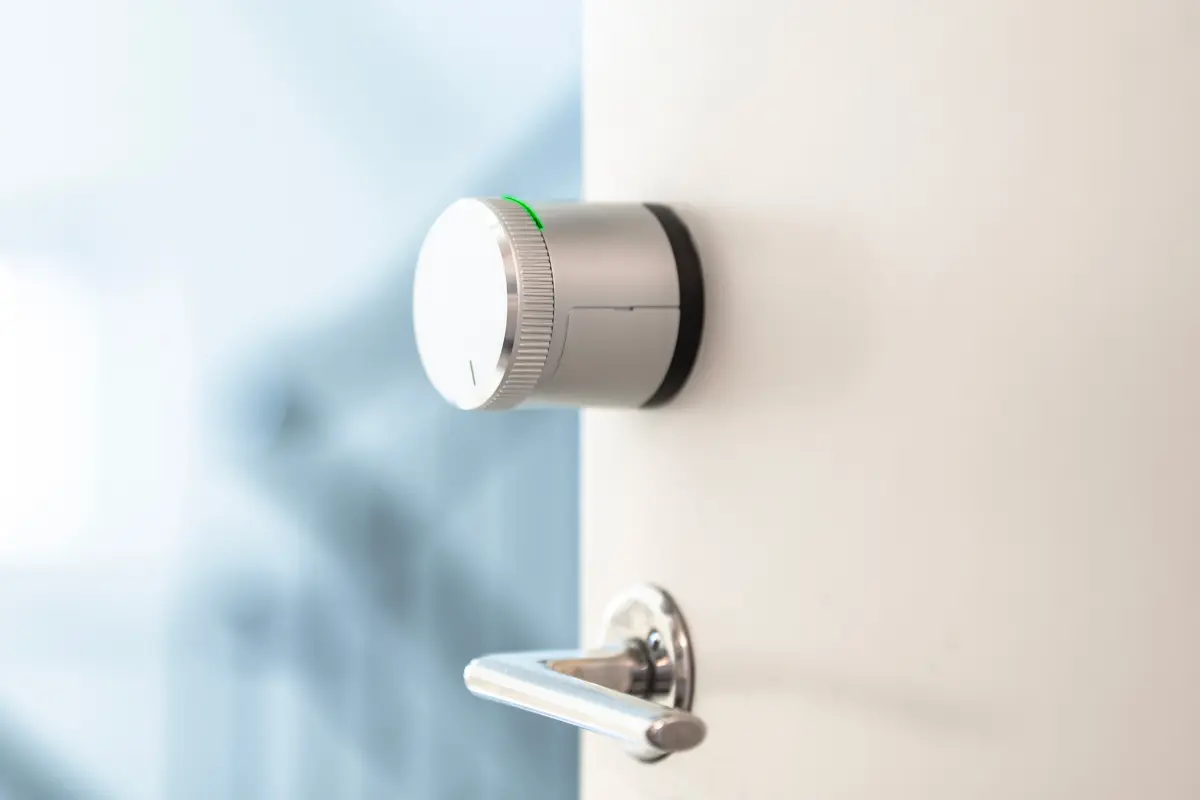
Smart Locks & eSIM Basics
Smart locks have evolved beyond Bluetooth and Wi-Fi controls, increasingly adopting cellular connectivity. Embedded SIMs, or eSIMs, eliminate the need for physical SIM cards, embedding programmable cellular modules directly into the lock’s hardware. This allows smart locks to connect to cellular networks worldwide without swapping SIMs during installation or relocation.
A practical example: a smart lock at a remote vacation home uses an eSIM to connect securely over LTE, enabling owners to grant access remotely. According to GSMA Intelligence, over 3 billion devices will feature eSIMs by 2025, underscoring the rapid adoption of this technology across IoT devices including locks.
Increasingly, brands like Yale, August, and Noke integrate eSIMs or offer cellular options, enhancing flexibility and cutting dependency on local networks. One more fact: eSIM smart locks support roaming on multiple carriers, making network dead zones less problematic.
Misconceptions and Risks
Many believe Wi-Fi coverage is enough for smart lock connectivity, underestimating cellular’s role in resilience. Wi-Fi can drop out, especially during power outages. Consequently, smart locks without cellular backup often lock users out during emergencies, a major inconvenience.
Security myths also persist: some think cellular-enabled locks risk hacking more than traditional ones. Cellular networks use encryption standards like LTE-AES, making unauthorized access difficult without physical lock breaches. The real risk lies in management platforms with poor security protocols.
Installation errors remain common—installers sometimes treat eSIM locks like physical SIM devices, failing to provision them properly in carrier systems. This mismatch causes downtime until reconfiguration. These issues can cost property managers serious time and money, especially in larger portfolios.
Effective Approaches
Choose Multi-Network eSIM Providers
Select eSIM vendors supporting multiple carriers. Multi-network access reduces blind spots. For example, Telefónica and Vodafone networks combined in Europe cover 99% of urban areas, while Private Mobile Networks fill industrial gaps.
This solution prevents lockouts caused by carrier outages. Products like Thales and Truphone provide such eSIM “profiles”. Pay attention to update capabilities—profiles should switch automatically without physical intervention.
Use Dedicated Lock Management Software
Software like Kisi or Openpath centralizes user access control, logs, alerts, and firmware updates. It integrates eSIM monitoring the device’s cellular status, alerting administrators if the connection drops or roaming ceases.
This is practical in multifamily buildings; property managers can assign temporary codes remotely and revoke them instantly. Data shows remote management reduces lock-related service calls by up to 38%, saving hundreds monthly.
Leverage LTE and 5G Connectivity
This isn't about speed but signal reliability. LTE reaches 99.9% coverage in many urban areas; 5G offers higher bandwidth and lower latency, cutting lock response times by half in tests from August Lock firmware 3.2.5.
Choosing eSIM modules certified for these bands—like Quectel BG95 or Sierra Wireless AirPrime—ensures access continuity. It also future-proofs investments; 2G/3G networks are being phased out.
Prioritize Lock Hardware Security
Cellular connection won’t help if physical lock vulnerabilities exist. Look for locks with anti-tamper sensors and encrypted firmware updates, such as Schlage Encode Plus, which encrypt communications with TLS 1.3.
Combine secure hardware with eSIM’s encrypted cellular link for a two-layer safeguard. This dual-layer approach mitigates man-in-the-middle and replay attacks more effectively than Wi-Fi-only locks.
Monitor Data Usage and Costs
Cellular connectivity consumes data; eSIM plans vary. Monitoring tools track monthly data and alert to anomalies—useful to detect unauthorized activity or configuration issues.
eSIM plans from providers like Ubigi or Soracom start as low as 1MB/month for basic locks, scaling up. Smart locks typically use <1MB/day if only sending status, but video-enabled ones spike data usage.
Test Network in Location Before Installation
Cellular strength varies, especially indoors. Use tools like Network Cell Info Lite to profile signal strength on the exact installation spot. Testing detects dead zones or weak signals that may refuse service.
Sometimes a simple antenna adjustment or moving the lock 30 cm higher solves signal issues, an often overlooked but practical step.
Plan for Emergency Access Methods
Cellular failures, while rare, do happen. Physical backup keys, NFC overrides, or scheduled unlock periods can serve as fallbacks. August Smart Locks, for instance, offer keypad entry as a backup.
Combine with remote notifications to inform users if backup methods activate, maintaining control without surprises.
Real-World Outcomes
A rental company managing 120 urban properties switched all smart locks to eSIMs in late 2022. Before that, 15% of lock outages triggered emergency maintenance, costing $5,000 monthly.
Post-eSIM, outages dropped to 1.2%, maintenance costs fell to $650 monthly — a near 87% decline. Network resilience and remote troubleshooting saved crucial hours, according to the company’s operations director.
Another example: a regional warehouse deployed eSIM-enabled locks to manage 50 entry points remotely. After three months, the team noted immediate alerts on access attempts and real-time firmware fixes cut manual lock servicing by 30%.
Feature Checklist for Buyers
| Feature | Connectivity | Security | Backup |
|---|---|---|---|
| eSIM Support | Yes | AES-256, TLS | Physical, NFC |
| Multi-Network | Global Roaming | Firmware Signing | Keypad |
| Management App | Device Status | User Logs | Remote Unlock |
| Data Monitoring | Alerts | Encryption | Override |
| Signal Testing | Recommended | Tamper Alert | Physical Key |
Common Errors and Fixes
Overlooking proper eSIM provisioning often stalls lock activation for days. Testing before installation avoids this. Another problem: ignoring cellular data caps; allow buffer or monitoring to avoid surprise bills.
Forgetting emergency access methods leads to user lockouts during outages or software errors. A balanced approach keeps users—happy but prepared.
Not updating lock firmware regularly reduces protection against evolving threats. Timely updates close software loopholes and improve network stability.
FAQ
What is an eSIM in smart locks?
eSIM is an embedded SIM chip inside a lock that connects to cellular networks without a physical SIM card. It allows remote communication and management through LTE/5G networks.
How does cellular improve smart lock reliability?
Cellular networks offer broader, more stable coverage than Wi-Fi, especially outdoors or where network infrastructure is unreliable. This minimizes connection losses and lock failures.
Can I use my existing cellular plan?
No. Smart lock providers usually partner with specialized IoT data plans optimized for low data needs and multi-network support, which differ from consumer plans.
Are eSIM locks more secure?
Yes. They use encrypted communication on cellular networks and reduce dependency on local Wi-Fi, lowering the attack surface. However, security depends on the entire system, including software.
What happens during cellular outages?
Locks may fail to communicate, but many models include fallback options like physical keys, NFC, or scheduled open windows to maintain access.
Author's Insight
I’ve worked hands-on with smart locks in various client settings since 2019. eSIM connectivity brought clear improvements in uptime and control. Handling multi-network profiles was tricky, mostly due to carrier quirks, but the flexibility it grants outweighs the occasional troubleshooting. I advise integrating eSIM locks with strong management platforms immediately to spot issues early; trust me, watching a lock go offline and reboot remotely saved a weekend callout.
Final Thoughts
Smart locks with eSIM connectivity provide more reliable, flexible control by replacing traditional SIMs and Wi-Fi reliance. Testing cellular signals, using multi-network providers, and securing lock firmware create a durable system. Always keep fallbacks ready and monitor data usage to avoid surprises. Investing time in setup pays off in operational efficiency and end-user satisfaction.